Live TV Apps Odisha: Why Pay Extra for TV? Watch Odia Serials, News & Cricket on Your Phone!
Are you paying every month for a television connection just to watch your favourite Odia serials, breaking news, cricket matches, and movies? What if your existing mobile recharge already includes access to some of these channels?
For people across Odisha (Orissa), watching television is easier with Live TV Apps. Whether you love Tarang TV, Zee Sarthak, Odia news, Bollywood movies, or live cricket, several streaming platforms offer entertainment directly on smartphones.
From Bhubaneswar, Cuttack, Puri, Rourkela, Sambalpur, Berhampur, Balasore, Baripada, Angul, Jharsuguda, and Koraput, viewers can explore regional and national TV services using mobile internet or Wi-Fi.
Discover the best Live TV Apps for Odisha in 2026, including free channels, premium OTT services, and mobile recharge benefits.
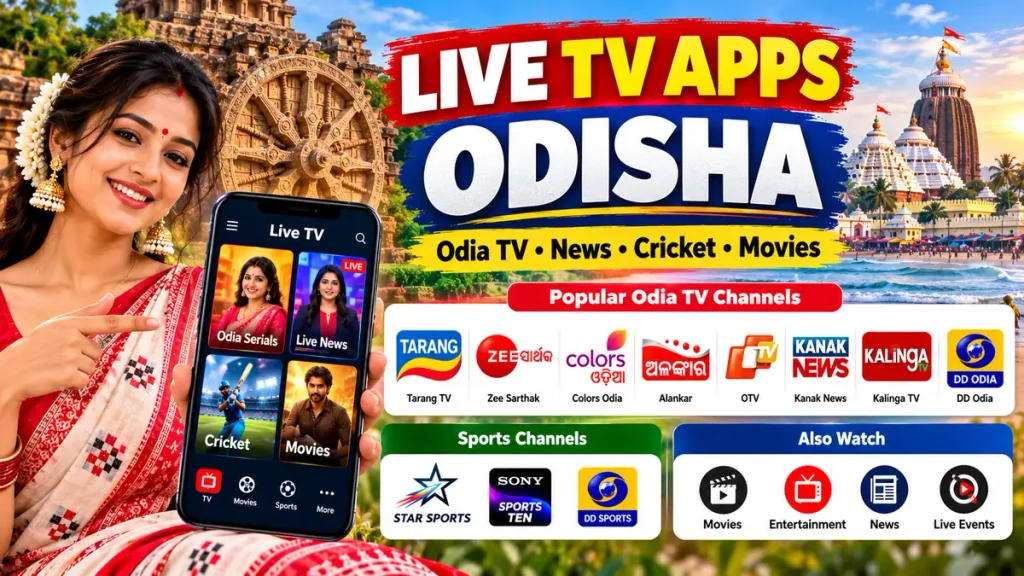
Best Live TV Apps for Odisha in 2026
1. JioTV – Watch Odia Live TV and Entertainment
JioTV is a popular television streaming service for eligible Reliance Jio customers.
Key features:
- Odia, Hindi, and other regional television channels.
- Live news, entertainment, movies, and selected sports.
- Catch-up viewing for supported programmes.
- Access through eligible Jio services.
Best for: Jio customers interested in regional television and live entertainment.
2. ZEE5 – Watch Zee Sarthak and Odia Serials
ZEE5 offers Zee Sarthak programmes, Odia television shows, movies, and regional entertainment.
Viewers can explore family dramas, reality shows, and selected live channels through compatible devices.
Best for: Families who enjoy Zee Sarthak and Odia-language entertainment.
Subscription requirements vary by content.
3. Tarang Plus – Odia Serials, Movies and Web Series
Tarang Plus is a regional streaming platform associated with Odisha Television Network.
It provides access to Odia television entertainment, movies, web series, and other regional programmes.
Best for: Viewers interested in Tarang entertainment and Odia-language streaming content.
Check the app for current live-channel availability.
4. Airtel Xstream Play – TV and OTT Entertainment
Airtel Xstream Play brings together entertainment content from participating streaming platforms.
Selected Airtel prepaid, postpaid, and broadband plans may include subscription benefits.
Best for: Airtel customers comparing 5G mobile recharge packages and OTT bundles.
5. WAVES – Explore Free Regional Television
WAVES, developed by Prasar Bharati, provides live television, radio, Doordarshan programmes, and regional entertainment.
It is useful for viewers interested in public broadcasting, cultural shows, and free viewing options.
Best for: People exploring regional and national TV without an expensive subscription.
6. JioHotstar – Live Cricket, Football and Movies
JioHotstar offers selected live sporting events, films, entertainment shows, and premium programming.
Best for: Cricket fans, sports enthusiasts, and families looking for premium streaming.
Access depends on current broadcasting rights and subscription plans.
7. Tata Play Mobile App – Watch Your DTH Channels
Existing Tata Play subscribers can use its mobile application to watch supported channels included in their active DTH packages.
Best for: Households already paying for a Tata Play connection.
Popular Odia TV Channels to Explore
| TV Channel | Content Category |
|---|---|
| Tarang TV | Odia serials and entertainment |
| Zee Sarthak | Odia family shows |
| Colors Odia | Odia entertainment |
| Alankar | Odia movies |
| Tarang Music | Odia music |
| OTV | Odia news |
| Kanak News | Regional news |
| Kalinga TV | News and current affairs |
| News7 Odisha | Regional news |
| DD Odia | Cultural programmes |
| Star Sports | Cricket and sports |
| Sony Sports Ten | Sports broadcasting |
| DD Sports | Selected sports events |
Note: Not every channel is available on every app. Availability depends on the platform, subscription, and broadcasting rights.
Free vs Paid Live TV Apps in Odisha
| App | Main Benefit | Access |
|---|---|---|
| JioTV | Live regional TV | Eligible Jio service |
| ZEE5 | Zee Sarthak content | Free and paid options |
| Tarang Plus | Odia entertainment | Content dependent |
| Airtel Xstream Play | Bundled OTT content | Plan dependent |
| WAVES | Regional and national TV | Free and selected paid content |
| JioHotstar | Sports and movies | Plan dependent |
How to Watch Odia Live TV on Mobile
- Open Google Play Store or Apple App Store.
- Search for your preferred official Live TV App.
- Download and install the application.
- Register or sign in.
- Select Odia as your preferred language where supported.
- Choose an available channel and start watching.
For smoother HD streaming, use a stable 4G, 5G, or Wi-Fi connection.
Save Money on 5G Recharge, Broadband and OTT Plans
Before paying for another television subscription, check your existing mobile and home broadband benefits.
Some providers offer entertainment bundles with selected 5G mobile plans, fibre broadband connections, Wi-Fi packages, and OTT subscriptions.
Compare monthly charges, internet data limits, streaming quality, device support, and automatic renewal terms before subscribing.
Frequently Asked Questions (FAQs)
Q1. Can I watch Odia Live TV for free?
Yes. Some platforms and official broadcaster streams offer free viewing, while others require an eligible plan or subscription.
Q2. Which app is best for Odia serials?
ZEE5 and Tarang Plus are useful options for selected Odia programmes.
Q3. Can I watch live cricket on mobile?
Yes. Selected streaming platforms offer cricket and other sporting events depending on broadcasting rights.
Q4. Can I watch Odia news channels online?
Yes. Several news broadcasters provide official websites, applications, or online live streams.
Q5. Do Live TV Apps work throughout Odisha?
They can work wherever the streaming service is supported and a suitable internet connection is available.
Conclusion
Live TV Apps offer Odisha viewers a convenient way to enjoy Odia serials, news, movies, cricket, and regional entertainment from their smartphones.
Whether you prefer free channels or premium OTT services, choosing the right platform can help you avoid unnecessary entertainment expenses.
Before buying another TV subscription, check your existing mobile recharge and broadband benefits. You may already have access to entertainment services you haven’t explored!