Best Virtual Hairstyle App – Try Different Haircuts on Your Photo Before Visiting a Salon
Choosing a new hairstyle can be exciting, but visiting a salon without knowing how a haircut will look may lead to disappointment. Different hairstyles create different appearances depending on facial proportions, hair texture, and personal preferences. A Best Virtual Hairstyle App helps users preview different haircuts on their photographs before making permanent changes.
Modern artificial intelligence technology makes hairstyle experimentation convenient through smartphones. Instead of imagining how a bob cut, pixie hairstyle, long layers, or trendy fade might look, users can upload a selfie and generate digital hairstyle previews. Some applications also provide virtual hair colour transformations and before-and-after comparisons.
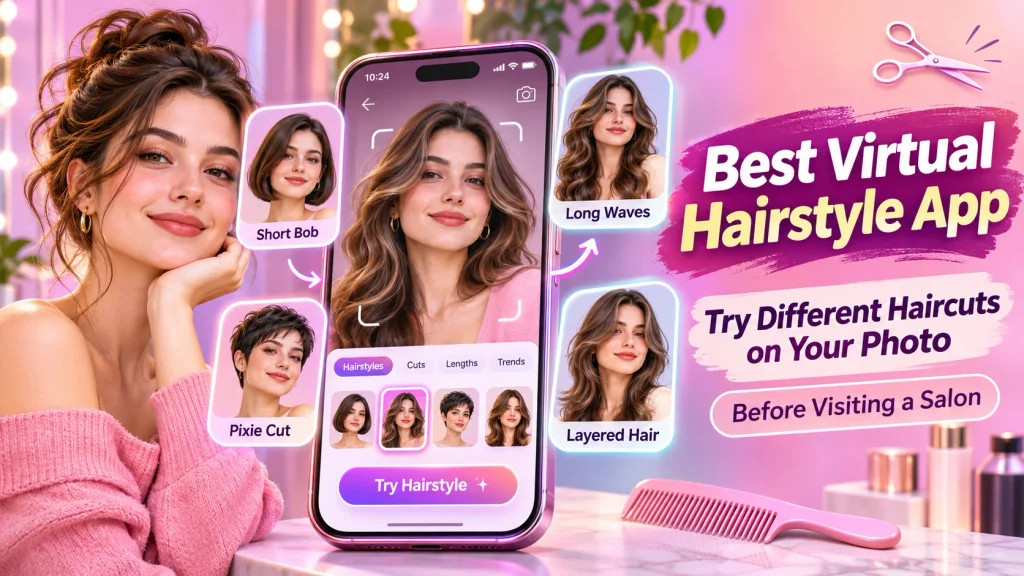
Whether you want a professional haircut, fashionable hairstyle, or completely new appearance, an AI Hairstyle Try-On App can provide useful inspiration. This guide explores popular applications, their features, benefits, and practical methods for discovering new hairstyles before visiting a professional hairstylist.
What Is a Virtual Hairstyle App?
A virtual hairstyle app is a digital photo editing application that allows users to experiment with different haircuts using photographs.
Modern applications use artificial intelligence and image-processing technology to modify hairstyles while attempting to maintain recognizable facial features.
Common features include:
- AI-powered hairstyle previews.
- Short and long haircut options.
- Men’s and women’s hairstyles.
- Virtual hair colour changes.
- Curly and layered hairstyles.
- Before-and-after comparisons.
- Custom hairstyle descriptions.
- Downloadable makeover photographs.
Available features depend on the application, subscription plan, and supported device.
How Does an AI Hairstyle App Work?
AI hairstyle applications use computer vision and generative artificial intelligence to process uploaded photographs.
The technology identifies facial features, head positioning, and existing hair regions before generating a modified image.
Users select a hairstyle or describe their preferred haircut.
For example, someone with long hair can preview a shoulder-length bob without cutting their natural hair.
Similarly, users can experiment with curtain bangs, pixie cuts, textured crops, and different hair colours.
However, virtual previews are estimates. Actual haircut results depend on natural hair texture, density, growth patterns, and professional styling techniques.
Best Virtual Hairstyle Apps to Try Different Haircuts
Several applications and online platforms provide useful hairstyle preview features.
1. YouCam Makeup – AI Hairstyle Try-On
YouCam Makeup is a virtual beauty application offering artificial intelligence-powered hairstyle previews and hair colour transformations.
Users can upload photographs and experiment with different looks.
Important Features:
- AI hairstyle transformations.
- Short and long haircut previews.
- Men’s and women’s hairstyles.
- Virtual hair colour changes.
- Hairstyle reference options.
- Before-and-after comparisons.
YouCam Makeup is suitable for people interested in exploring multiple hairstyles before visiting a salon.
The application offers free features, while some advanced tools require premium access.
2. FaceApp – Virtual Haircut and Photo Editor
FaceApp is an AI-powered photo editing application offering hairstyle filters and appearance adjustments.
It allows users to explore different hair lengths, colours, and styling effects.
Important Features:
- Virtual hairstyle filters.
- Hair volume adjustments.
- Straight and wavy hair effects.
- Hair colour transformations.
- Photo enhancement tools.
- Before-and-after comparisons.
FaceApp is useful for quickly experimenting with different looks.
Some editing features are available free, while advanced filters may require subscriptions.
3. Fotor – Online AI Hairstyle Changer
Fotor provides an AI Hairstyle Changer that allows users to upload photographs and generate hairstyle previews.
Users can select available haircut styles or enter custom descriptions.
Important Features:
- AI-generated hairstyle previews.
- Short and long haircut options.
- Custom hairstyle prompts.
- Men’s and women’s hairstyles.
- Virtual hair colour experiments.
- Downloadable hairstyle images.
Fotor is suitable for people who prefer browser-based hairstyle experimentation.
AI hairstyle generations consume credits, so additional transformations may require payment.
Virtual Hairstyle Apps Comparison Table
| App or Tool | Main Features | Best For |
|---|---|---|
| YouCam Makeup | AI hairstyles, hair colours | Complete virtual makeover |
| FaceApp | Hairstyle filters, photo editing | Quick hairstyle experiments |
| Fotor | AI haircut generation, custom prompts | Online hairstyle previews |
Note: Features, subscriptions, free credits, and device compatibility may change.
Popular Haircuts to Try Before Visiting a Salon
Virtual hairstyle applications allow users to explore various haircut categories.
| Hairstyle | Description |
|---|---|
| Bob Cut | Short haircut around jaw or shoulder length |
| Pixie Cut | Short hairstyle with textured layers |
| Curtain Bangs | Front hair framing both sides of the face |
| Layered Haircut | Different hair lengths creating movement |
| Wolf Cut | Trendy hairstyle with layered volume |
| Fade Haircut | Gradual transition between shorter hair lengths |
| Long Waves | Longer hairstyle featuring soft waves |
Available haircut options depend on the selected application.
How to Try Different Hairstyles on Your Photo
Using a virtual hairstyle application is generally straightforward.
Step 1: Choose a Trusted Application
Select an AI hairstyle app supporting photograph uploads.
Step 2: Open the Application
Install the app or access its supported website.
Step 3: Upload Your Photograph
Choose a clear, front-facing selfie with natural lighting.
Step 4: Select a Hairstyle
Browse available haircuts or describe your preferred look.
Step 5: Generate the Preview
Allow the AI system to create the hairstyle transformation.
Step 6: Compare Different Looks
Review several hairstyles and examine their appearance.
Step 7: Save Your Favourite Hairstyle
Save the preferred preview and discuss it with a professional hairstylist.
Benefits of Using a Virtual Hairstyle App
Preview Haircuts Before Cutting
Users can explore different hairstyles without immediately changing their natural hair.
Experiment With New Looks
Virtual tools allow comparisons between short, long, curly, and layered hairstyles.
Explore Hair Colours
Supported applications provide digital previews of various hair shades.
Discover Hairstyle Inspiration
AI-generated transformations can introduce fashionable hairstyles users may not have considered.
Communicate With Hairstylists
Saved makeover images make explaining preferred haircuts easier during salon appointments.
How to Choose the Best Virtual Hairstyle App
Before choosing an application, consider hairstyle variety, preview quality, and ease of use.
Check whether your preferred haircut styles are supported.
Compare free features, subscription requirements, and available credits.
Choose applications providing useful before-and-after comparisons.
Review privacy policies before uploading personal photographs.
Avoid sharing photographs containing sensitive personal information.
Remember that hairstyle simulations provide inspiration rather than guaranteed haircut predictions.
Tips for Getting Realistic Hairstyle Previews
Use a clear photograph showing your face properly.
Choose natural lighting without excessive shadows.
Avoid applying heavy beauty filters.
Experiment with several hairstyles before choosing your favourite.
Compare generated looks with your natural hair texture and density.
Remember that artificial intelligence may create unrealistic hairlines or volume.
Consult an experienced hairstylist before making significant haircut changes.
Frequently Asked Questions (FAQs)
1. Which is the best virtual hairstyle app?
YouCam Makeup, FaceApp, and Fotor offer useful hairstyle preview features. The best choice depends on personal preferences.
2. Can I try hairstyles using my own photo?
Yes. Supported applications allow users to upload selfies and generate different hairstyle previews.
3. Are virtual hairstyle apps free?
Some applications provide free features, while advanced hairstyles or additional generations may require payment.
4. Can men use virtual hairstyle apps?
Yes. Many applications support men’s haircuts, including fades, textured crops, and longer hairstyles.
5. Can I change my hair colour virtually?
Yes. Several hairstyle applications provide virtual hair colour transformations.
6. Are virtual hairstyle previews accurate?
Not always. Generated previews may differ from actual haircuts because of natural hair characteristics and styling limitations.
Conclusion
A Best Virtual Hairstyle App makes exploring different haircuts convenient through smartphones and online tools. Users can upload photographs, preview hairstyles, compare appearances, and experiment with hair colours before visiting a salon.
YouCam Makeup, FaceApp, and Fotor provide different virtual hairstyle features. Choose a trusted application, explore multiple looks, and use generated previews as inspiration when discussing your next haircut with a professional hairstylist.
Disclaimer
This article is provided for general educational and informational purposes only. Virtual hairstyle application features, subscription prices, free usage limits, credits, and device compatibility may change without prior notice. All mentioned applications are independent third-party services, and no official affiliation or endorsement is implied. AI-generated hairstyle previews are illustrative and do not guarantee identical real-world haircut results. Actual appearance depends on natural hair texture, density, growth patterns, and professional styling techniques. Users should review application privacy policies before uploading personal photographs and consult qualified hairstylists before making significant hairstyle changes.